Russian and English
Languages switch seamlessly while the visitor stays in the same section or project.
Architecture studio website and portfolio
A bilingual architecture studio website with project galleries, services, and educational programs.
[ Open live product ]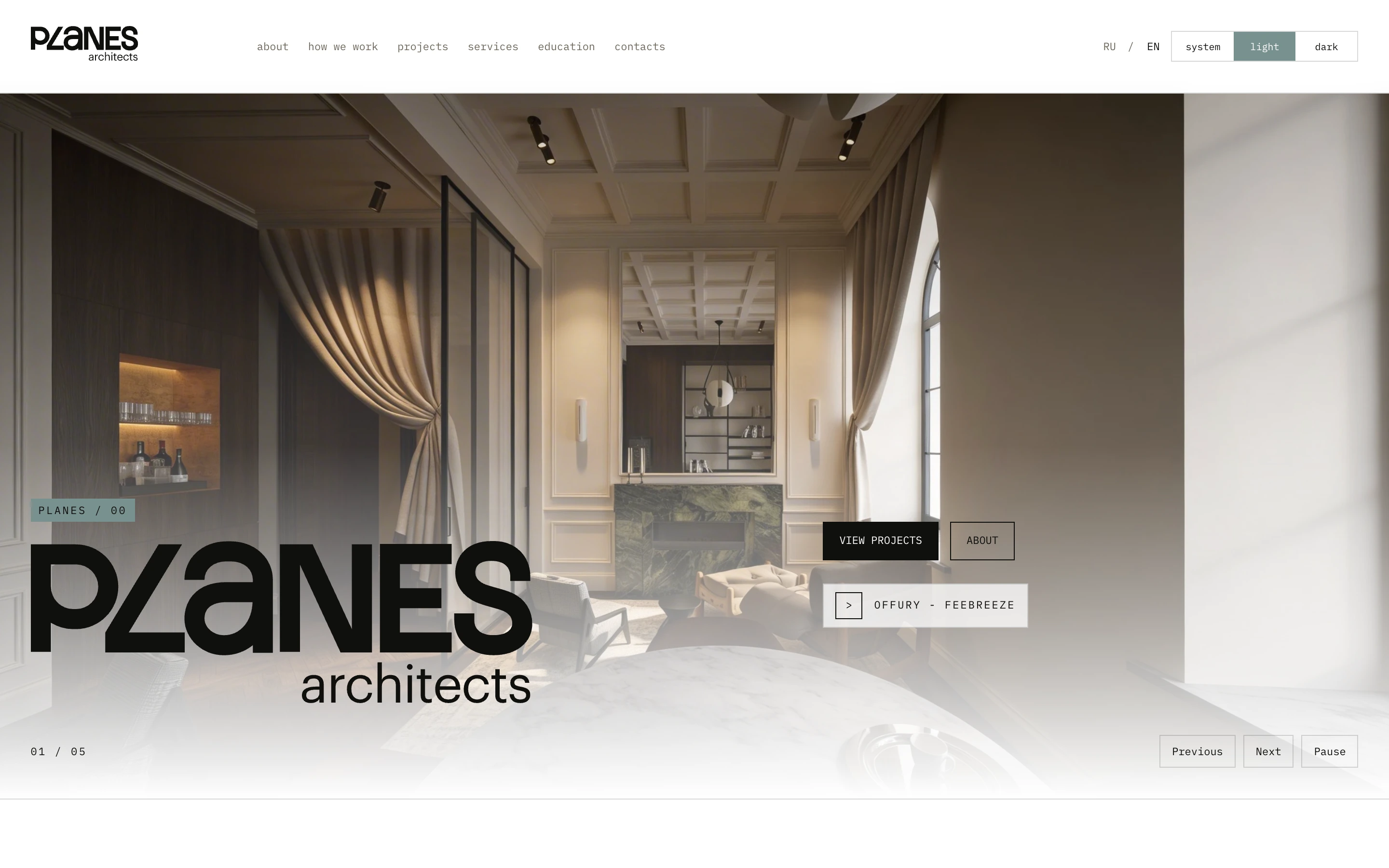
// 01The website in numbers
// 02Context
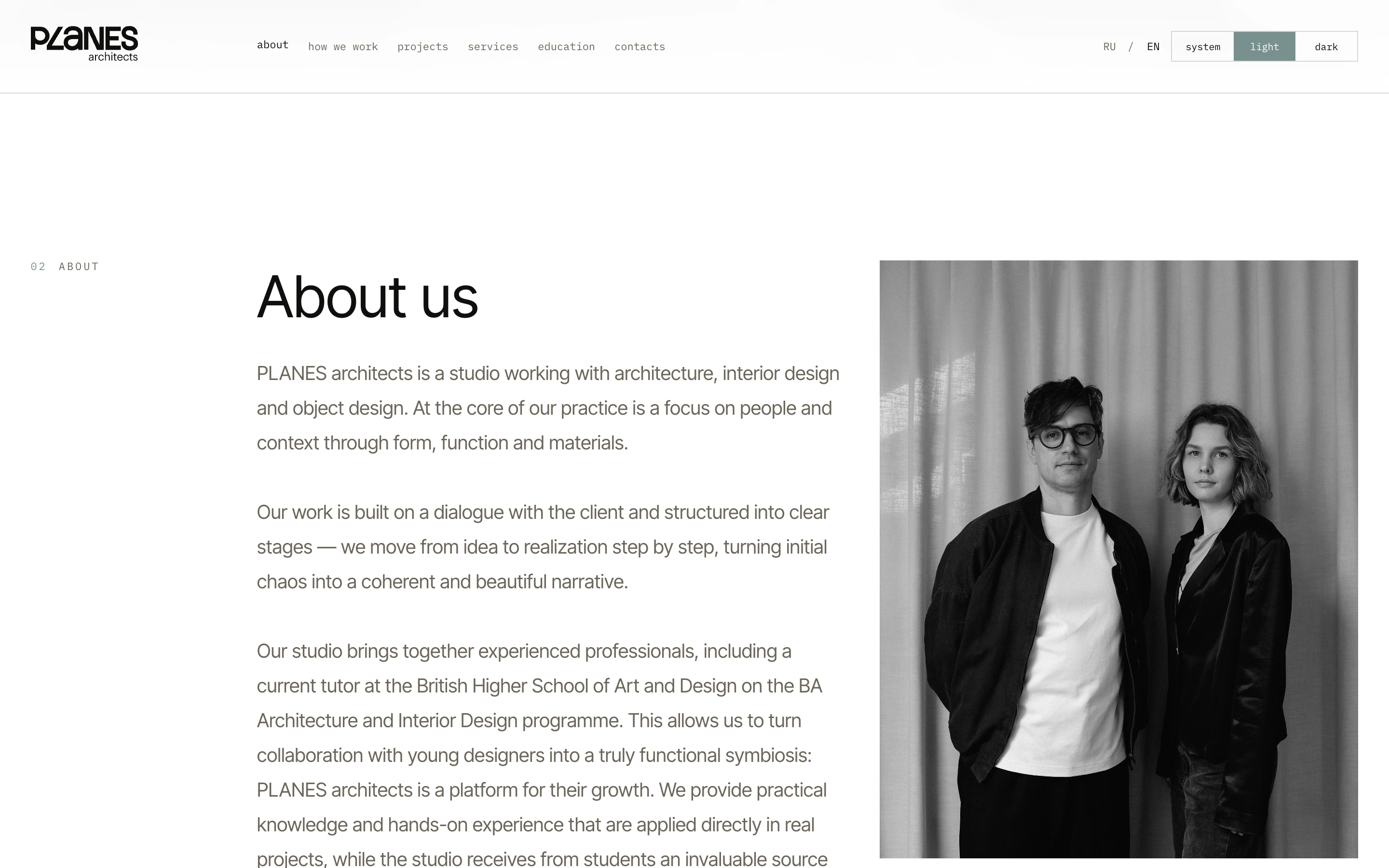
The PLANES architects website puts the studio's work first. Visitors can explore architecture and interior projects, learn about the team's services and process, join an educational program, or send an enquiry.
The website introduces the studio to future clients and gives architects and designers a way to discover PLANES educational programs.
// 03Problem
The goal was to bring the studio's calm style to the browser without taking attention away from the project photography. The team also needed a simple way to add work, translate copy, and update large galleries without a developer.
The interface is built around photography and restrained typography. There are no unnecessary decorative layers: navigation stays compact, captions do not compete with the images, and transitions make it easy to move through sections and projects.
The main constraints were the weight of project galleries, the different lengths of Russian and English copy, and the need to preserve a balanced layout on phones, tablets, and wide screens.
IMAGERY / TYPE / CONTENT / SPEED
// 04Portfolio
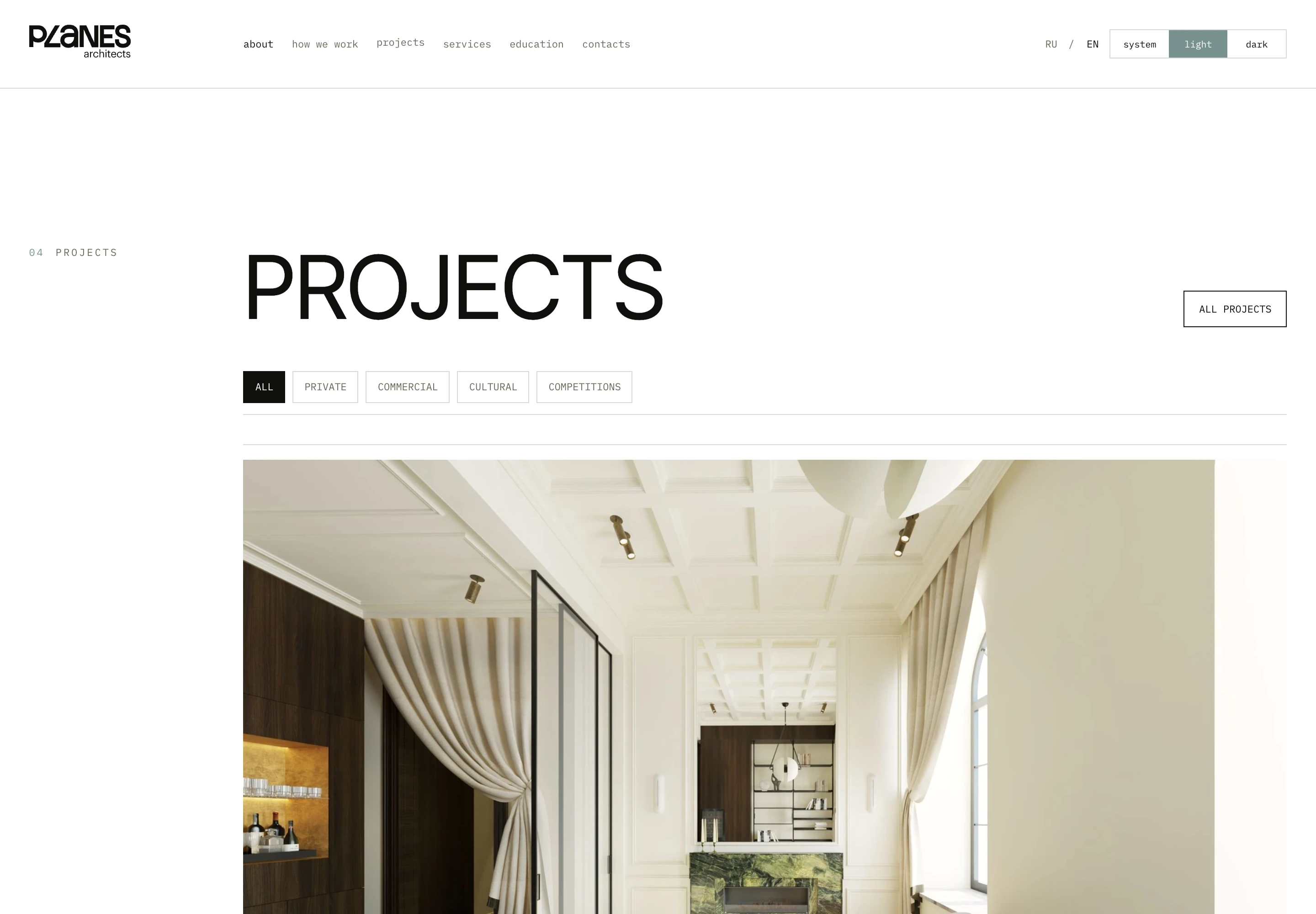
Work is grouped into private, commercial, cultural, and competition projects. Filters narrow the list quickly, while each project pairs its gallery with clear details about the space.
// 05Content
The team adds a description, details, and a gallery before linking the Russian and English versions. Once published, the content appears on the website immediately.
The studio manages projects, copy, and photography through the CMS (admin panel), without touching code. Content appears on the website in the right language, while photography adapts to the screen.
Languages switch seamlessly while the visitor stays in the same section or project.
Follow the device setting or choose the light or dark theme manually.
The team adds projects and materials through the CMS (admin panel), without a developer.
Photography remains the main content and loads at a size suited to each device.
// 06Display
System mode follows the device setting. Light mode keeps the feel of a printed architecture journal, while dark mode makes project photography more comfortable to browse at night.
// 07Mobile
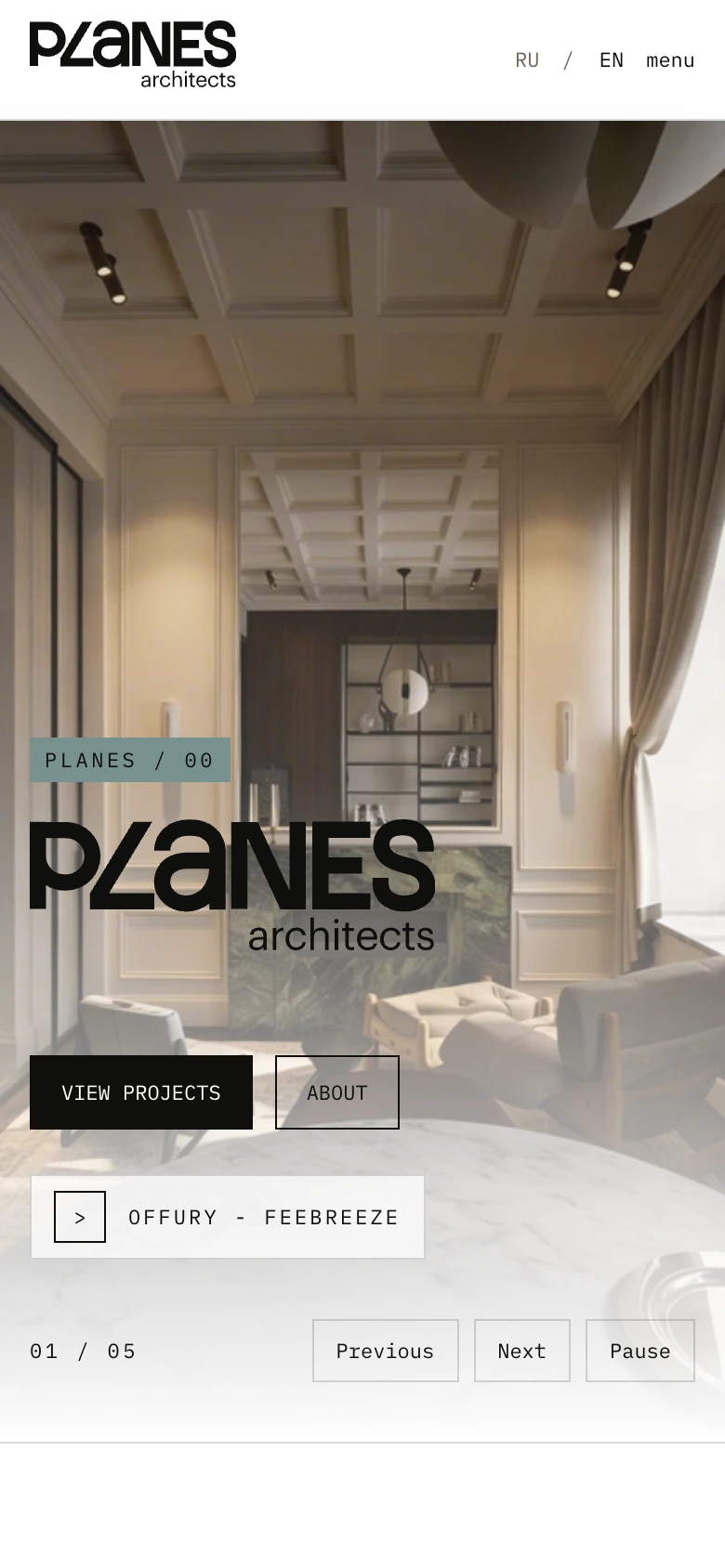
Large images adapt to a portrait screen while actions remain within reach, without tiny text or horizontal scrolling.
// 08Result
The PLANES architects studio now has a bilingual website for projects, services, educational programs, and enquiries. The team updates materials through the CMS (admin panel), while visitors browse the work on any device and in the theme they prefer.
// My role
I handled the interface and responsive build, set up the CMS (admin panel), implemented Russian and English versions, added filters, galleries, and display themes, and prepared the website for launch.
root@portfolio:~/contact$ ./start-conversation // Contact me directly
/* Send me a short note about what you want to build and how I can help. That is enough to get started. */